Unlimited accent conversion.
Use accent conversion throughout your calls with no daily minute cap during your active license. Test it with your own voice and headset.
CLEARER CALLS FOR YOUR WORKDAY
Sound clearer on client calls with updated noise cancellation and background voice cancellation. Try unlimited accent conversion with Krisp+ on your Windows PC.
₱99 for 1-month access. One payment for the term.
Start your free 48-hour trialConfirm your email. Receive your trial license. Try it on your own setup.
Already tried Krisp+? Get your licenseClient calls · Online interviews · Remote meetings
FOCUS ON YOUR CALL
Keep your voice at the center of the conversation. Try the audio controls with your own voice, headset and everyday background sounds.
Use accent conversion throughout your calls with no daily minute cap during your active license. Test it with your own voice and headset.
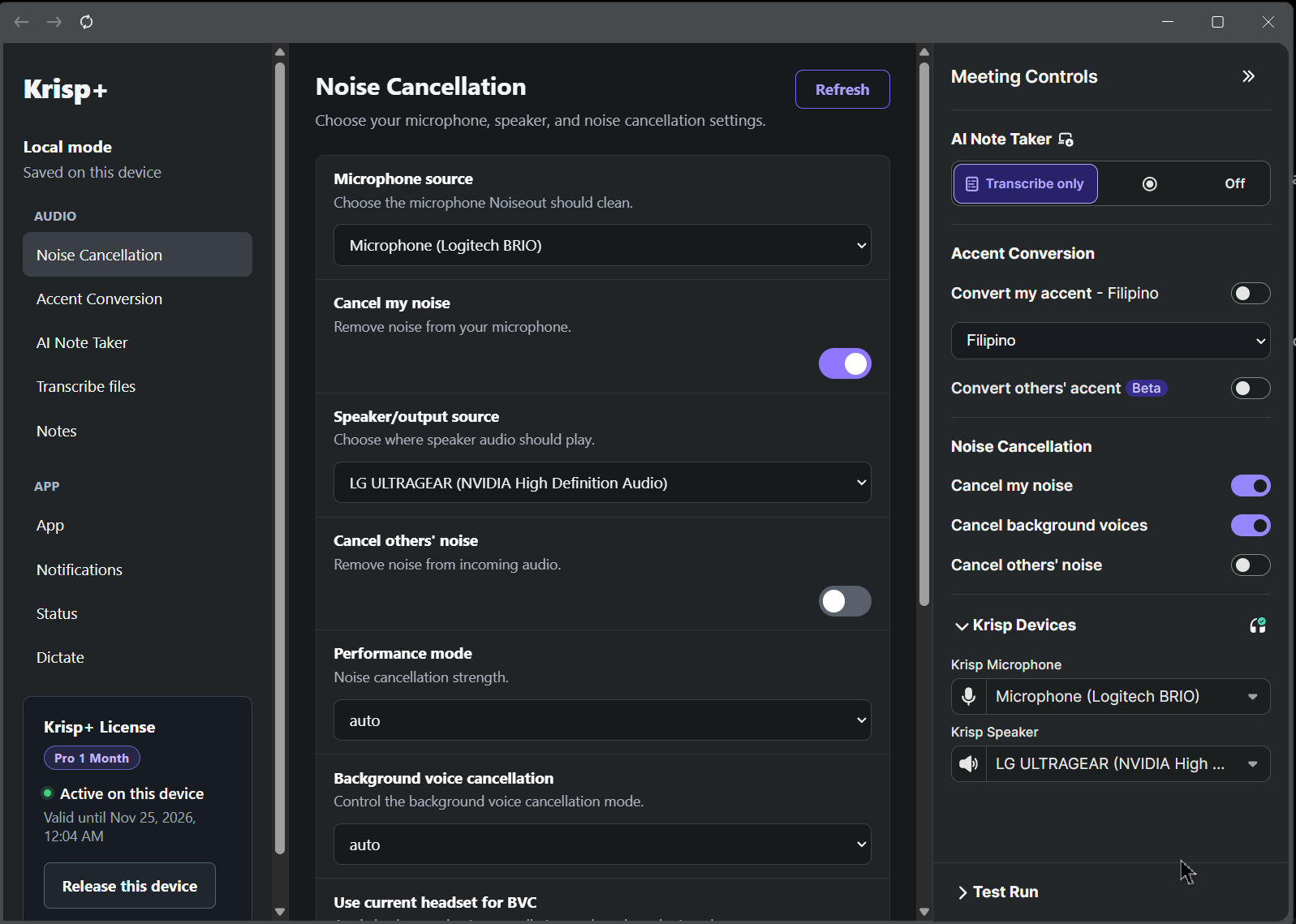
Help reduce fan noise, keyboard sounds and other background noise on your microphone and speaker.
Background Voice Cancellation helps reduce nearby conversations and TV voices so your voice can stand out.
TAKE A LOOK INSIDE
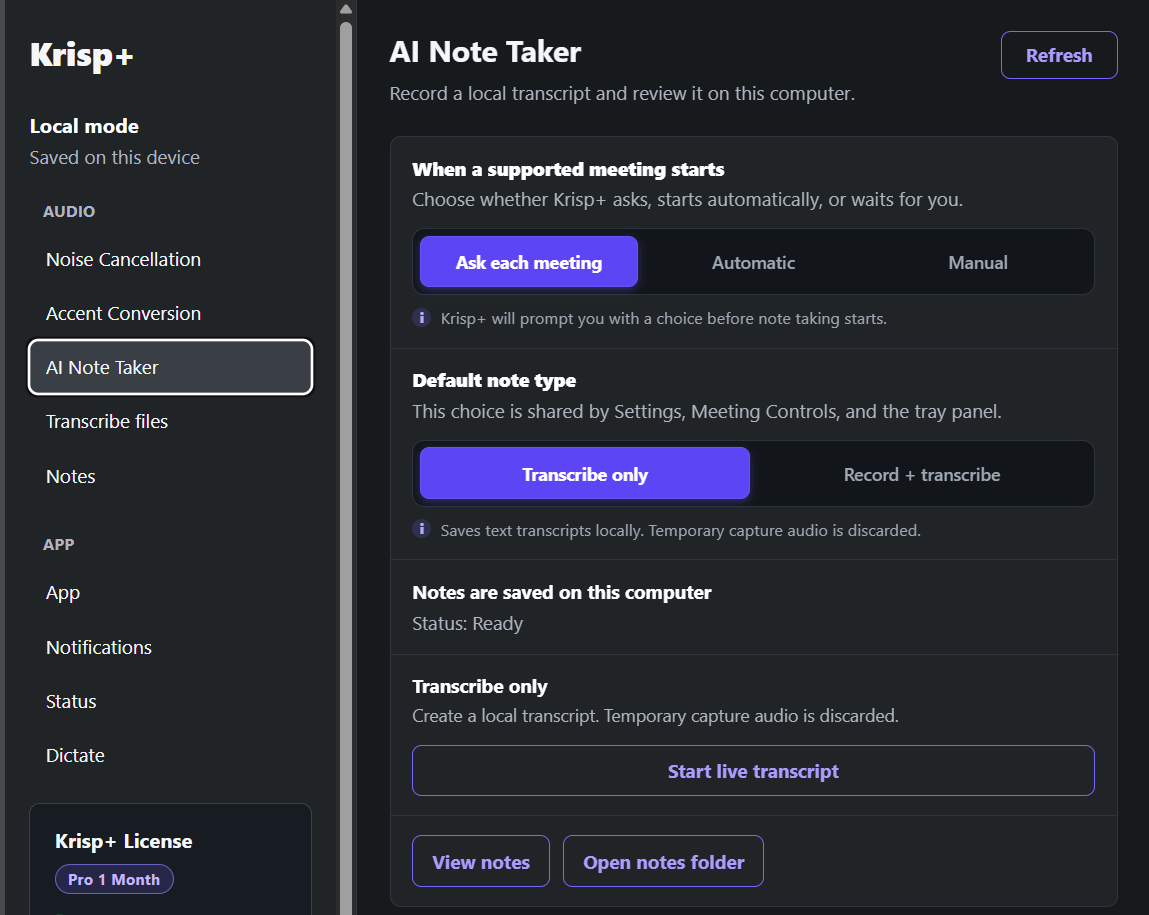
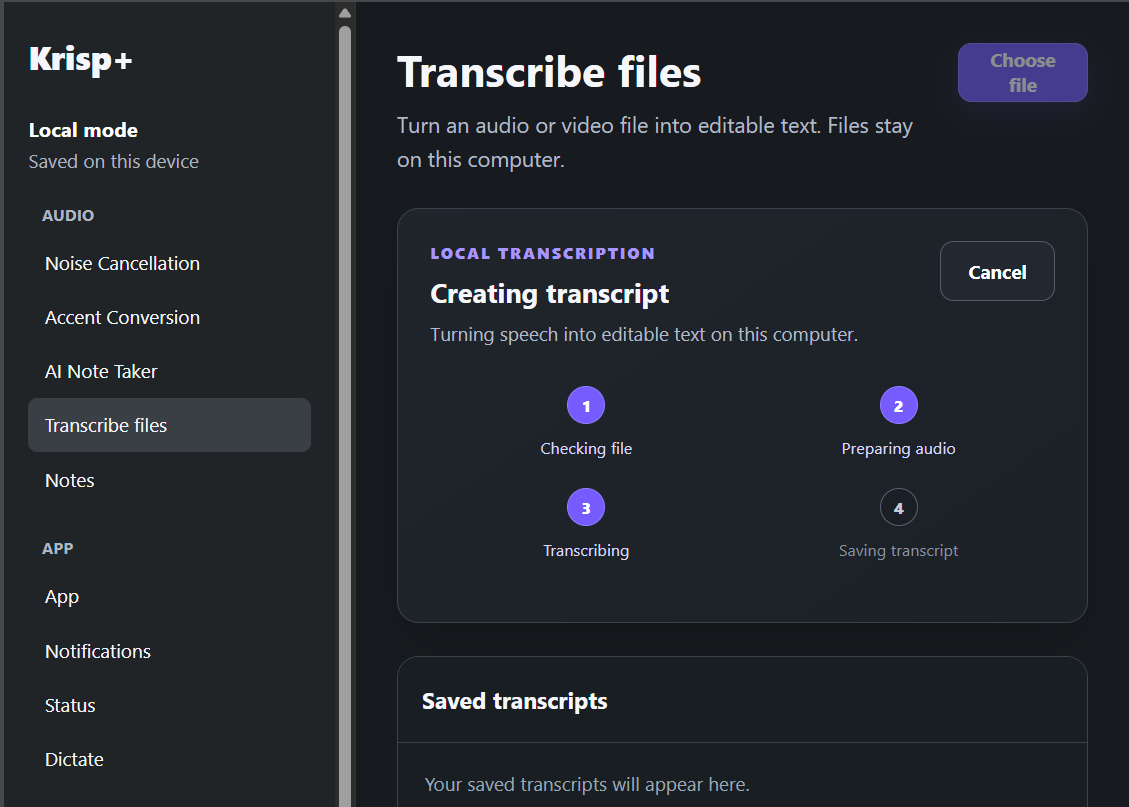
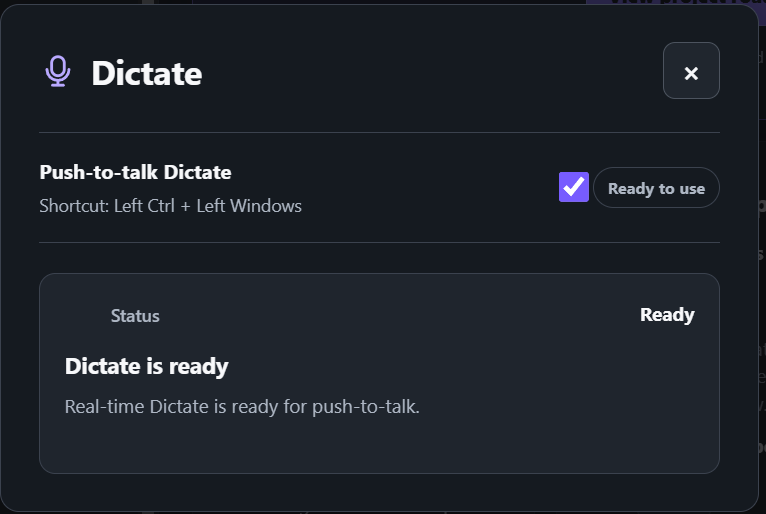
Also included: AI Note Taker, file transcription and Dictate with multilingual, Taglish-friendly speech tools.
TRY IT IN YOUR REAL WORKDAY
Test the features on your Windows PC before you choose a paid license.
Start your free trialOpen the existing trial page and use an email address you can access.
Follow the verification instructions. Your 48-hour period begins after email confirmation and successful trial issuance.
Use your trial license and test your call setup. The clock does not wait for your first desktop activation.
ALREADY TRIED IT?
Choose your license term at secure checkout. Current prices and availability come from WFHtools.
Check current plans and availability at checkout.
There is no daily minute cap for accent conversion during your active license term. Feature availability depends on your Windows PC and setup. Try it during the free 48-hour trial before purchasing.
After you confirm your email and your trial is successfully issued. It does not begin at first desktop activation. Set aside time to test your PC before you sign up.
The existing eligibility rules apply. If you have already tried Krisp+, use the paid checkout or contact WFHtools for help. Submitting another form does not guarantee another trial.
Krisp+ is a Windows desktop app. Availability and performance vary by feature and hardware. Message WFHtools with your processor, RAM and graphics details before purchasing if you are unsure.
The speech tools support multilingual and Taglish workflows. Recognition quality varies with the recording, language mix, model and PC. Use the trial to test the way you actually speak.
A license is for one device at a time. Follow the existing device-release process before moving to another supported PC. Contact WFHtools if you need help.
Choose a term at the existing secure checkout. Payment is handled by Xendit. License fulfillment follows verified payment, with delivery to the email you provide.
Use the existing checkout recovery option to check or resume it. You can recover from another device through the supported email-code flow. Do not create another payment to check the first one.
Krisp+ is offered and supported here by Work From Home Tools. This page is not an official Krisp website and does not claim endorsement by Krisp.
LET YOUR NEXT CALL BE THE TEST
Start with the free 48-hour trial.
Try Krisp+ free Already tried it? Get your license